Professional QR Code Generator
Create beautiful custom QR Codes with gradients, logos, social templates, SVG export, and real-time styling.
⭐ Frequently Asked Questions
Everything you need to know about creating and using QR codes.
A QR code generator is an online tool that allows users to create QR codes for URLs, text, WiFi passwords, contact cards, and other digital information. Users can scan these QR codes using a smartphone camera.
Yes, this QR code generator is completely free and does not require any signup or registration.
Yes, you can generate a WiFi QR code that allows users to connect to your WiFi network instantly without typing the password.
Yes, after generating a QR code you can download it instantly in PNG format.
QR codes can be used for websites, business cards, WiFi login, social media sharing, payments, product information, and marketing campaigns.
How to Use Our Free QR Code Generator
Create custom QR codes online in seconds for URLs, PDFs, WiFi networks, digital business cards, mobile apps, SMS messages, phone numbers, and text. Follow the step-by-step guide below to generate, customize, and download professional QR codes instantly.
Choose a QR Code Type
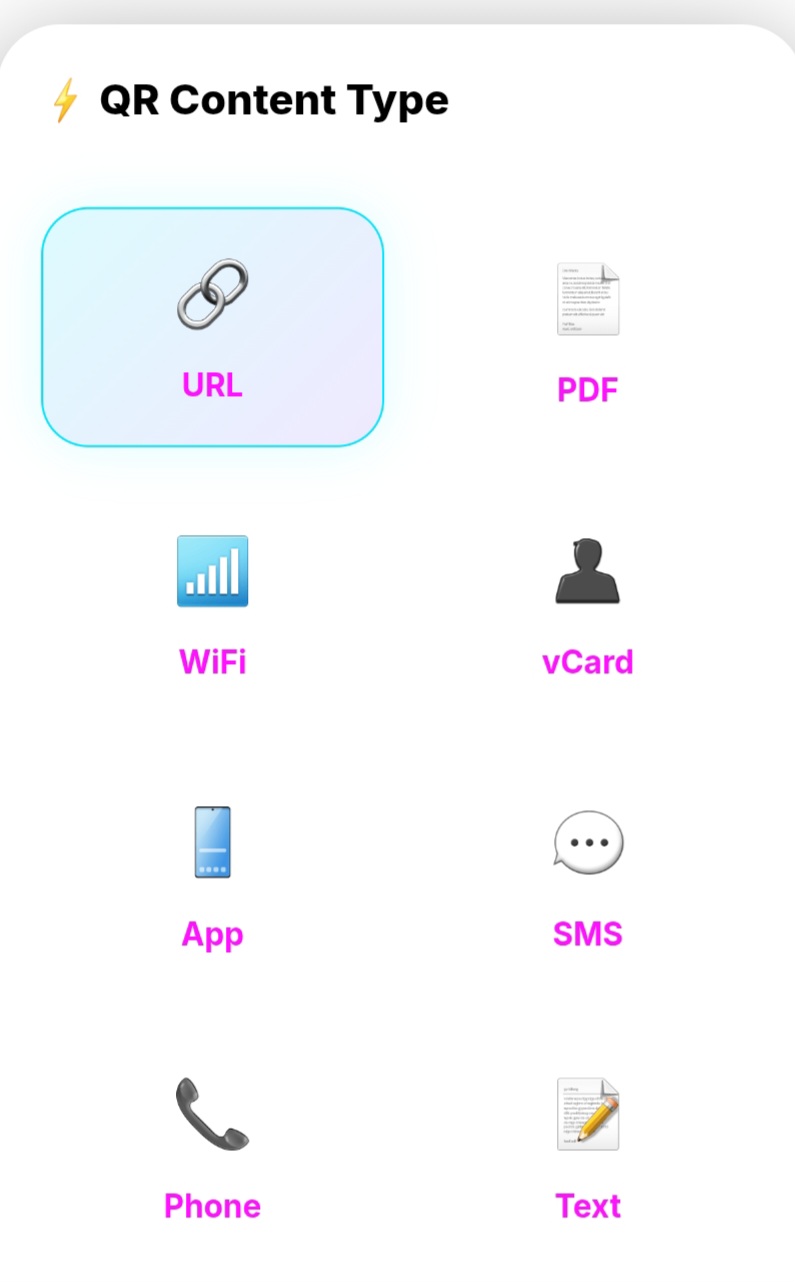
Select the type of QR code you want to create. You can generate QR codes for URLs, PDFs, WiFi credentials, vCards, Apps, SMS messages, Phone Numbers, and plain text.
Enter Your Content
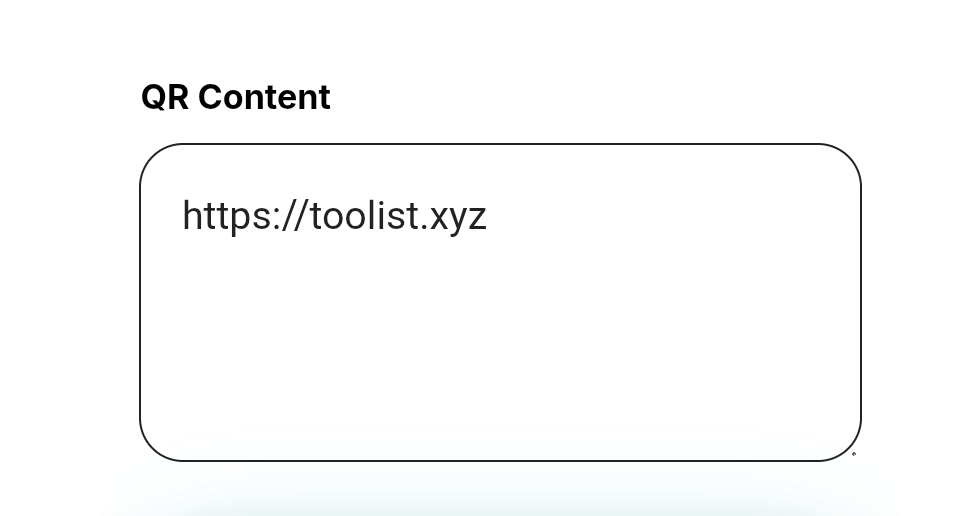
Enter your website URL, text, PDF link, WiFi information, contact details, or any content you want users to access after scanning the QR code.
Generate Your QR Code Instantly

Your QR code is generated automatically in real-time. You can immediately preview and test it using your smartphone camera.
Download as PNG or SVG
Download your QR code in high-quality PNG format for websites and social media or SVG format for scalable printing and branding materials.
Customize Colors
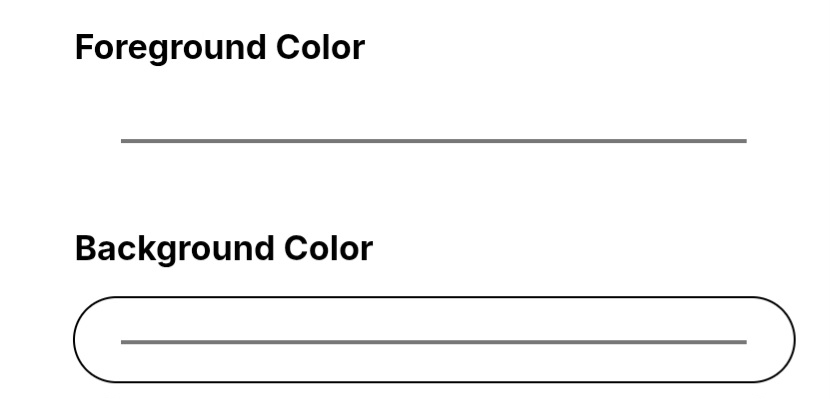
Make your QR code match your brand by customizing foreground and background colors. Create visually attractive QR codes for marketing campaigns.
Adjust QR Code Size & Dot Scale
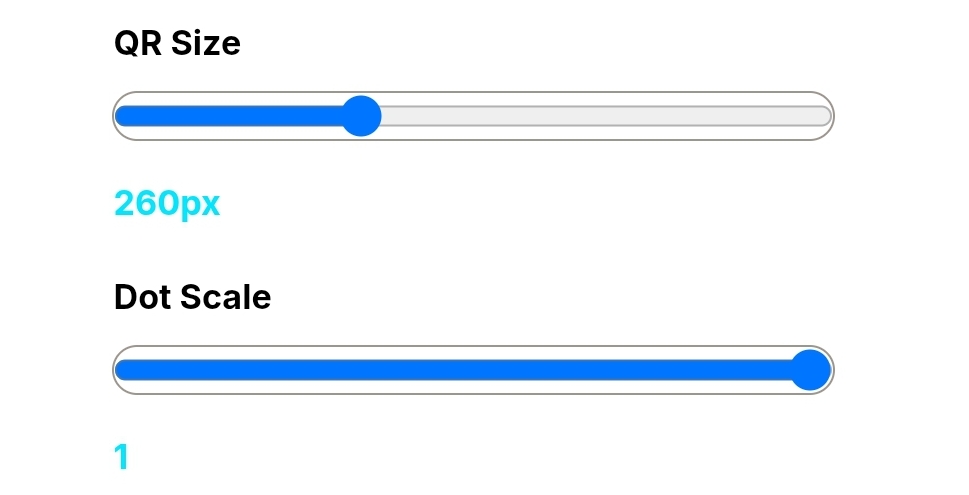
Use the sliders to control QR code size and dot density. This helps optimize scanning performance for both print and digital usage.
Upload Your Logo & Create Branded QR Codes

Upload your business logo and create professional branded QR codes that enhance trust, improve recognition, and increase engagement.
Why Use Our QR Code Generator?
Make Your Own QR Code in Seconds: A Simple Guide by Toolist.xyz
Let’s be honest for a second—QR codes used to be those weird, pixelated squares that nobody really knew how to use. But today? They are everywhere. From scanning a menu at your favorite restaurant to sharing your Wi-Fi password with a friend, QR codes have made our digital lives a lot smoother.
At Toolist.xyz, we wanted to build a Free QR Code Generator that doesn’t hide behind a signup form or ask for your credit card details. We know how frustrating it is to just want a simple code and end up in a marketing funnel. Our tool is built for speed and simplicity.
Why Should You Even Use a QR Code?
You might be wondering, “Can’t I just send a link?” Well, sure you can. But imagine you are printing a flyer for an event or putting a business card in someone’s hand. Nobody wants to type out a long, messy URL like website.com/products/category/item-12345.
A QR code turns that “link nightmare” into a one-second scan. It bridges the gap between the physical world and your digital content. Whether you’re a small business owner, a teacher sharing resources, or an influencer linking to your latest video, a QR code is your best friend.
How to Use the Toolist.xyz QR Generator
We kept the interface clean because we value your time. Here is the “no-nonsense” way to get it done:
- Paste Your Link: Just copy the URL you want people to visit and paste it into the box.
- Instant Preview: You’ll see your code generated in real-time. No waiting, no “processing” bars.
- Download & Save: Once you’re happy with it, hit download. You can now stick that code anywhere—on a website, a PDF, or even a t-shirt.
Pro Tips for a “Perfect” Scan
Not all QR codes are created equal. If you want to make sure your users don’t get frustrated, keep these human-tested tips in mind:
- Contrast is King: Always keep your QR code dark (black is best) on a light background. If you try to make it fancy with light yellow on a white background, most phone cameras will struggle to “read” it.
- Give it Space: Don’t crowd the code. Leave a little white space (we call it a “quiet zone”) around the edges so the scanner knows where the code starts and ends.
- Test Before You Print: This is the golden rule. Before you print 500 business cards, scan the code on your own phone screen to make sure it actually takes you to the right page.
Why Trust Toolist.xyz?
There are a thousand QR generators on the internet, but most of them are cluttered with ads or trackers. We built this as part of our several tool ecosystem to provide a clean, safe, and fast experience for everyone. We believe tools should be helpful, not complicated.
Next time you’re at a meetup or launching a product, don’t make people type. Just give them a code, and let our tool handle the rest.
You can try our barcode generator tool also
This post provides clear idea designed for the new users of blogging, that
actually how to do running a blog.